
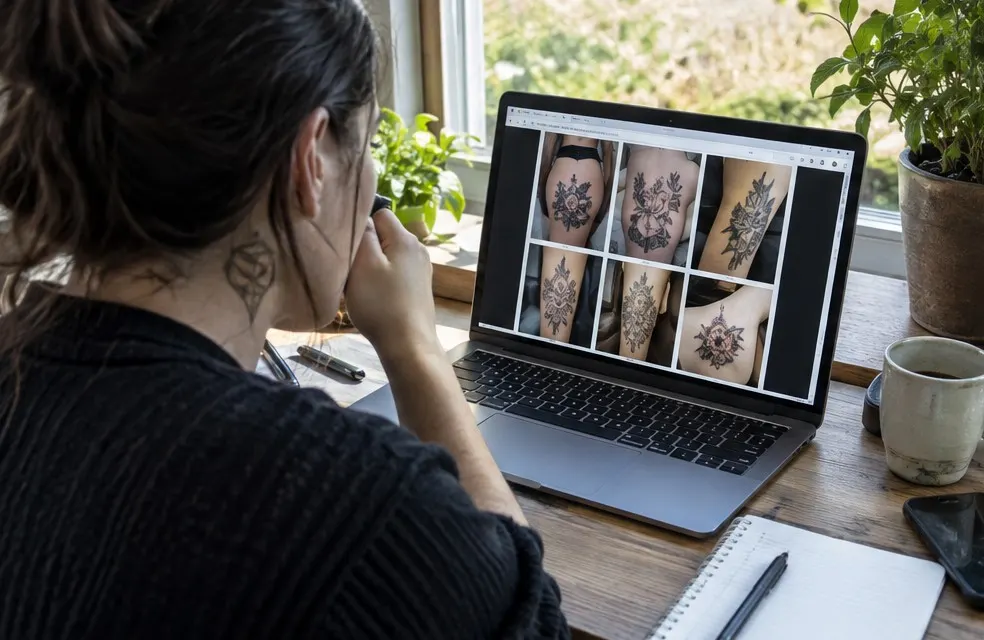
A tattoo portfolio website has two jobs. It shows your work, and it turns someone who likes your work into a booked consultation. Most artist sites do the first and skip the second. Use this checklist for both.
The first screen
- Your name or studio name, your style and your city in the first line. "Fine line and black and gray tattoos in Austin, TX"
- One strong healed piece as the main image
- A button to see a price or book a consultation, visible without scrolling
The work
- Healed photos first. Fresh tattoos under studio lights look great, but clients and other artists trust healed work
- Organized by style: fine line, black and gray, traditional, color, script, cover-ups. Someone looking for a cover-up wants to see cover-ups
- Before and after for cover-ups and reworks, if the clients agree
- Good, consistent photos: natural light, no heavy filters, the skin moisturized and the piece in focus
- Your flash sheets, with the price on them
The price
- Your minimum, stated plainly. "Small tattoos from $100"
- How you price: by size for small pieces, by the hour for larger ones
- A price estimate clients can try themselves, like a tattoo cost calculator
- One sentence saying the final price is set at the consultation
Clients who see a range before they message are already okay with it. "DM for pricing" sends half of them to someone else.
Booking and deposits
- A way to book a consultation without a week of messages
- Your deposit policy in a few lines: how much, that it goes toward the tattoo, rescheduling notice, no-shows. See the tattoo deposit policy guide
- How the deposit is paid: an invoice paid by card is clearer than a screenshot
- What happens next: consultation, deposit, session, balance
About you
- A photo of you and a few lines about how you work
- Where you work: a shop, a private suite by appointment, or mobile
- Your license and studio info, as your state and county require you to show
If you are mobile
- The towns you travel to, ideally with a page for each
- Your travel fee, for example $50 up to 15 miles and $90 from 15 to 30 miles
- A few words on your setup and hygiene, factual and calm. See mobile tattoo business basics
Trust
- Recent Google reviews near the gallery and the booking button
- Aftercare instructions clients can find again later
- Your touch-up policy, for example one free touch-up within 8 weeks
Technical basics
- Fast on a phone. Most clients find you on one. Compress large photos
- Your own domain, like yourstudio.com, not only a booking page link
- A page for each style and town, so Google can match you to searches like "cover up tattoo artist near me"
- Your phone, booking link and Instagram in the same place on every page
- In Spanish or Portuguese too, if many of your clients speak them
What to leave off
- Long blocks of text nobody reads
- Every tattoo you have ever done. Show the work you want more of
- Old prices. Update the site when your rates change
Keep it fresh
Add new healed work every couple of weeks, remove pieces you no longer want to do, and update your prices and open dates when they change. A site that looks the same for a year tells clients you might not be booking anymore.
Check it like a client
Open your site on your phone at night and try to answer three questions in under a minute: do I like this artist's work, roughly what will it cost, and how do I book? If any answer takes longer, fix that part first.
Every tattoo artist website InkPilot builds starts with this list: gallery, price estimate, booking and deposits, on your own .com.
Frequently asked questions
What should a tattoo portfolio website include?
Healed work organized by style, a price range or estimate, a way to book a consultation, your deposit policy, where you work, reviews and aftercare instructions.
Should I put prices on my tattoo website?
A minimum and a range, yes. Say that the final price is set at the consultation. Clients who see a range first are more ready to book.